Quickstart Node.js
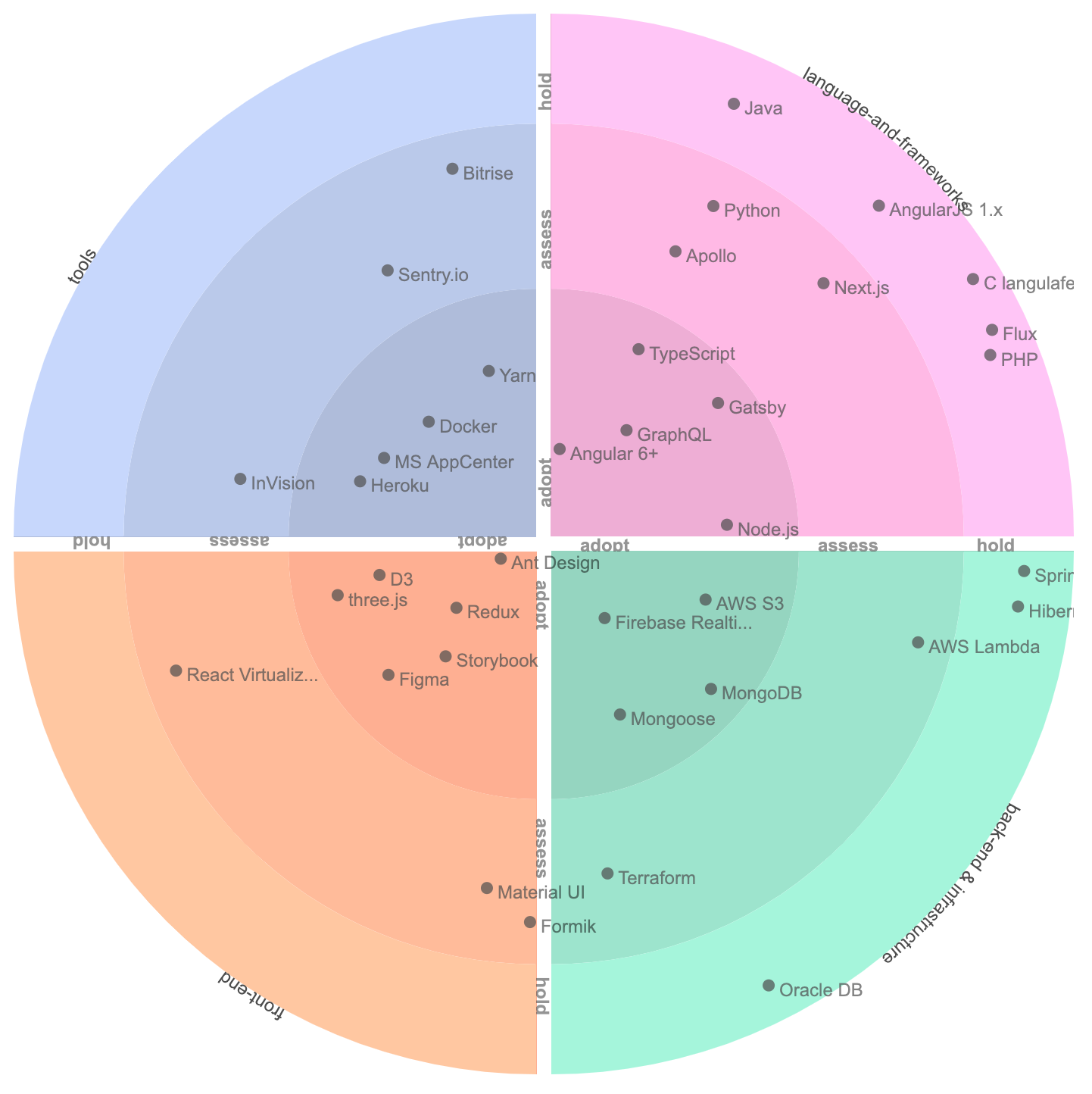
React Tech Radar
A react component that generates an interactive radar, inspired by thoughtworks.com/radar.
ESM and Typescript ready
Installation
Using npm:
npm install --save @kiberon-labs/react-tech-radar
Quick Start
import React from 'react';
import Radar from '@kiberon-labs/react-tech-radar';
function App() {
const setup = {
rings: ['adopt', 'trial', 'assess', 'hold'],
quadrants: ['tools', 'techniques', 'platforms', 'languages'],
data: [
{
name: 'D3',
quadrant: 'tools',
ring: "assess"
},
{
name: 'TypeScript',
quadrant: 'languages',
ring: "trial"
},
{
name: 'Storybook',
quadrant: 'tools',
ring: "adopt"
}
]
};
return (
Full Docs
For full docs see here
Props Setup
The following 3 props should be configured in order to setup the tech radar:
- quadrants
- rings
- data
data
data prop is an array of JSON elements representing the description of technologies.
Elements in the array should be in the following form:
Example:
{
data: [
{
name: 'D3',
quadrant: 'tools',
ring: "assess"
},
{
name: 'TypeScript',
quadrant: 'languages',
ring: "trial"
},
{
name: 'Storybook',
quadrant: 'tools',
ring: "adopt"
}
]
}
quadrants
quadrants prop is an array of strings which represent slices of the circular radar. Any data element with the matching quadrant value goes into this slice
Elements in the array should be in the following form:
Example:
{
quadrants: ['tools', 'techniques', 'platforms', 'languages']
}
rings
rings prop is an array of strings which represent at what level these technologies are adopted. For each element in rings, every quadrant is divided into rings. Innermost ring is the first element of the rings array and it usually represents the place for the most adopted technologies.
Example:
{
rings: ['adopt', 'trial', 'assess', 'hold'],
}
Configuration Options
| Prop | Description | Default Value |
|---|---|---|
| width | The overall width of the main DOM element | 700px |
| fontSize | Font size of elements | 12px |
| itemFontSize | Set this if you want the items to have a different size than titles of quadrants and rings. If not set, defaults to fontSize | 12px |
| colorScaleIndex | A value from 0 to 5 for different collections of colors. See Storybook Color Schemes section for colors of each option. | 5 |
| radiusDiminish | Radius of rings is not equal because of this constant. Each radius is x times greater than the outer one and x is this constant. | 1.5 |
Prop Types
Radar.propTypes = {
quadrants: PropTypes.array.isRequired,
rings: PropTypes.array,
data: PropTypes.array,
width: PropTypes.number,
fontSize: PropTypes.number,
itemFontSize: PropTypes.number,
colorScaleIndex: PropTypes.number,
radiusDiminish: PropTypes.number
};
Storybook
You can see various states of the radar (such as color schemes, results of configurations, etc.) on the Storybook Page.